In today’s digital world, almost everyone needs a reliable way to store files. Whether you are a student, small business owner, freelancer, photographer, content creator, or everyday computer user, your files matter. Documents, photos, videos, invoices, contracts, presentations, backups, and personal memories all need to be stored safely.
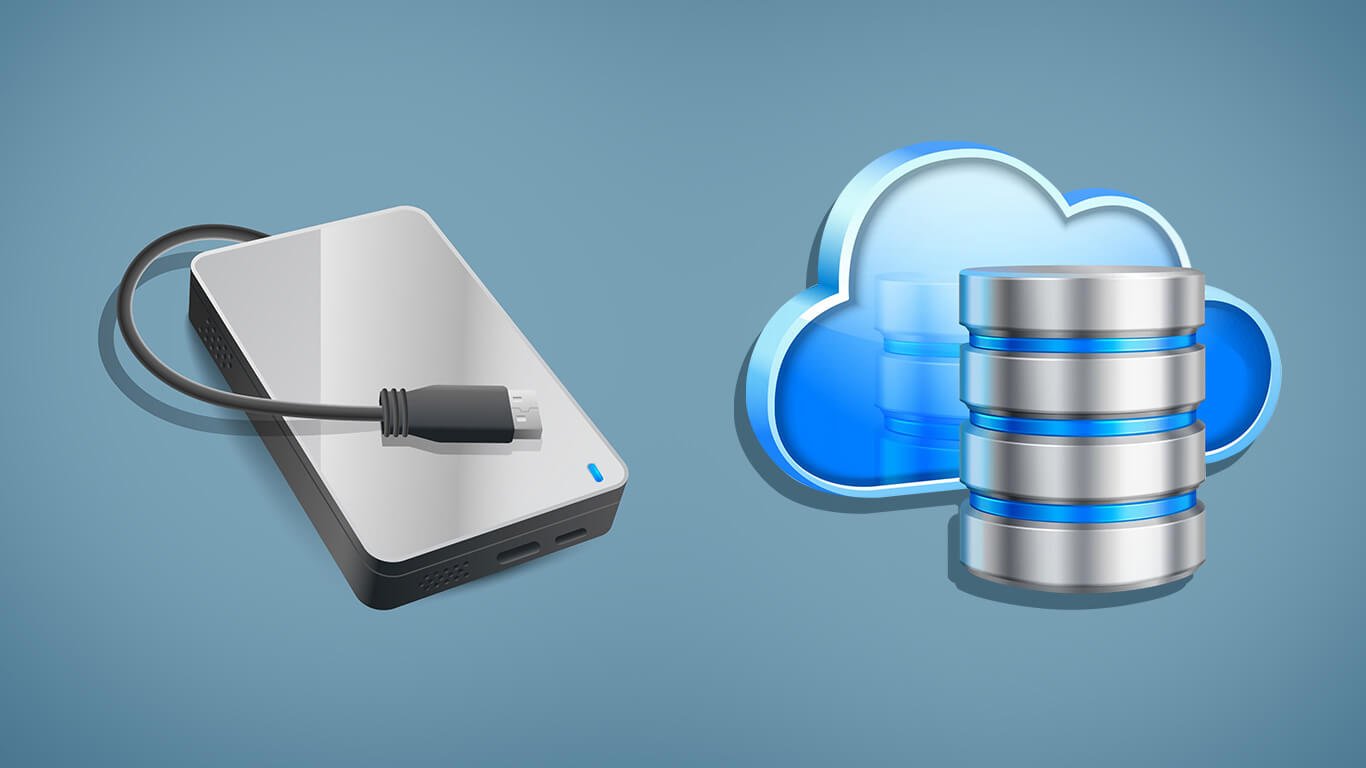
Two of the most common storage options are cloud storage and external drives. Cloud storage allows you to save files online and access them through the internet. External drives are physical devices, such as portable hard drives or solid-state drives, that connect to your computer and store files locally.
Both options are useful, but they are not the same. The best choice depends on your needs, budget, internet access, privacy concerns, and how often you need to access or share your files. In many cases, the smartest solution is not choosing one over the other but using both together.
This article explains the differences between cloud storage and external drives, their advantages, disadvantages, and how to decide which one is right for you.
What Is Cloud Storage?
Cloud storage is an online service that lets you save files on remote servers. Instead of keeping your files only on your computer or phone, you upload them to a cloud platform. You can then access them from different devices, such as a laptop, smartphone, tablet, or office computer.
Popular cloud storage services include Google Drive, Dropbox, Microsoft OneDrive, Apple iCloud, and other online backup platforms. These services usually offer a certain amount of free storage, with paid plans available when you need more space.
Cloud storage is especially useful for people who work across multiple devices, collaborate with others, or need access to files from different locations.
What Is an External Drive?
An external drive is a physical storage device that connects to your computer, usually through USB, USB-C, or Thunderbolt. It can be a traditional hard disk drive, known as an HDD, or a faster solid-state drive, known as an SSD.
External drives are commonly used to back up computers, store large video files, transfer documents, or keep extra copies of important data. They come in different sizes, from small portable drives to larger desktop drives with several terabytes of space.
Unlike cloud storage, external drives do not require internet access. Your files remain with you physically, and you control where the drive is kept.
Convenience and Accessibility
Cloud storage is usually better when it comes to convenience. Once your files are uploaded, you can access them from almost anywhere as long as you have an internet connection. This is useful if you travel often, work remotely, or switch between devices during the day.
For example, you can start a document on your office computer, continue editing it on your laptop at home, and view it later on your phone. Cloud storage also makes file sharing easier. You can send someone a link instead of attaching large files to an email.
External drives are less flexible in this area. To access your files, you need to have the drive with you and connect it to a compatible device. If you forget the drive at home, you cannot access the files unless you have another copy elsewhere.
However, external drives are still convenient for offline use. If you have poor internet or need to work with large files without waiting for downloads, an external drive can be faster and more reliable.
Speed and Performance
External drives can be faster than cloud storage, especially when dealing with large files. A good SSD can transfer files quickly, making it useful for video editors, photographers, designers, and anyone working with large media files.
Cloud storage speed depends heavily on your internet connection. Uploading or downloading large files can take time, especially if your connection is slow or unstable. This can be frustrating when working under deadlines.
However, cloud storage is improving, and many platforms allow files to sync automatically in the background. For everyday documents, spreadsheets, photos, and small files, speed is usually not a major problem.
If you regularly work with large video files, raw photos, or software backups, an external drive may perform better. If your files are smaller and you need easy access from different locations, cloud storage may be more practical.
Security and Privacy
Both cloud storage and external drives can be secure, but they have different risks.
Cloud storage providers usually offer security features such as encryption, password protection, two-factor authentication, and account recovery. Large cloud companies invest heavily in protecting their systems. However, your files are still stored on someone else’s servers, which may concern users who handle sensitive information.
There is also the risk of account hacking. If someone gets access to your cloud account, they may be able to view, download, or delete your files. This is why strong passwords and two-factor authentication are important.
External drives give you more direct control. Your files are stored physically with you, not on a remote server. This can be useful for sensitive business records, private documents, or offline archives.
But external drives also have risks. They can be lost, stolen, damaged, or destroyed. If the drive is not encrypted, anyone who finds it may access the files. If it fails and you have no backup, your data could be gone.
In short, cloud storage protects against physical loss, while external drives protect against some online risks. Both require responsible use.
Cost Comparison
External drives usually require a one-time payment. You buy the drive, and you can use it for years if it remains in good condition. This can be cost-effective if you need a lot of storage and do not want monthly fees.
Cloud storage usually works on a subscription model. You may get some free space, but larger storage plans require monthly or yearly payments. Over time, these payments can add up.
However, cloud storage includes more than just space. It often includes syncing, file sharing, backup tools, version history, and collaboration features. For businesses and teams, these features may justify the ongoing cost.
If your main goal is cheap long-term storage for large files, an external drive may be better. If you want convenience, automatic syncing, and easy sharing, cloud storage may be worth the subscription.
Backup and Reliability
When it comes to backups, relying on only one storage method is risky. A computer can fail. A cloud account can be locked. An external drive can break. A file can be deleted by mistake.
Cloud storage is useful because it can automatically sync and back up files. If your laptop is damaged or stolen, your files may still be available online. Many cloud services also offer file recovery and version history, which can help restore deleted or changed files.
External drives are useful because they provide a separate physical copy of your data. If your cloud account has a problem, your files are still available offline.
The best backup strategy is often the 3-2-1 rule: keep three copies of important files, store them on two different types of media, and keep one copy off-site. For most users, this could mean one copy on the computer, one copy on an external drive, and one copy in the cloud.
Best Uses for Cloud Storage
Cloud storage is ideal for documents, photos, business files, school projects, shared folders, and files you need to access from different devices. It is also great for collaboration.
Small businesses can use cloud storage to share files between employees, store invoices, manage client documents, and keep important records accessible. Freelancers can use it to deliver work to clients. Students can use it to avoid losing assignments.
Cloud storage is best when accessibility and sharing matter most.
Best Uses for External Drives
External drives are ideal for large backups, video projects, photo libraries, offline archives, and sensitive files you do not want stored online. They are also useful when internet access is limited or expensive.
Content creators, photographers, videographers, and designers often benefit from external SSDs because they can store and move large files quickly. Businesses can also use external drives for periodic backups and long-term storage.
External drives are best when speed, offline access, and large storage capacity matter most.
Which One Should You Choose?
Choose cloud storage if you want easy access from anywhere, automatic syncing, simple sharing, and collaboration. It is a strong option for everyday documents, business files, and people who use multiple devices.
Choose an external drive if you need fast access to large files, offline storage, a one-time purchase, or physical control over your data. It is a strong option for backups, media files, and long-term archives.
For most people, the best answer is to use both. Cloud storage gives you convenience and remote access. An external drive gives you physical backup and extra control. Together, they reduce the risk of losing important files.
Final Thoughts
Cloud storage and external drives both have important roles. Cloud storage is flexible, convenient, and excellent for sharing. External drives are fast, private, and useful for large backups.
The right choice depends on how you work. If you value mobility and collaboration, cloud storage may be your first choice. If you handle large files or want offline control, an external drive may be better. But if your files are truly important, do not rely on only one option.
A smart storage setup combines the strengths of both. Keep active files in the cloud for easy access, and keep regular backups on an external drive for safety. That way, you get convenience, control, and peace of mind.